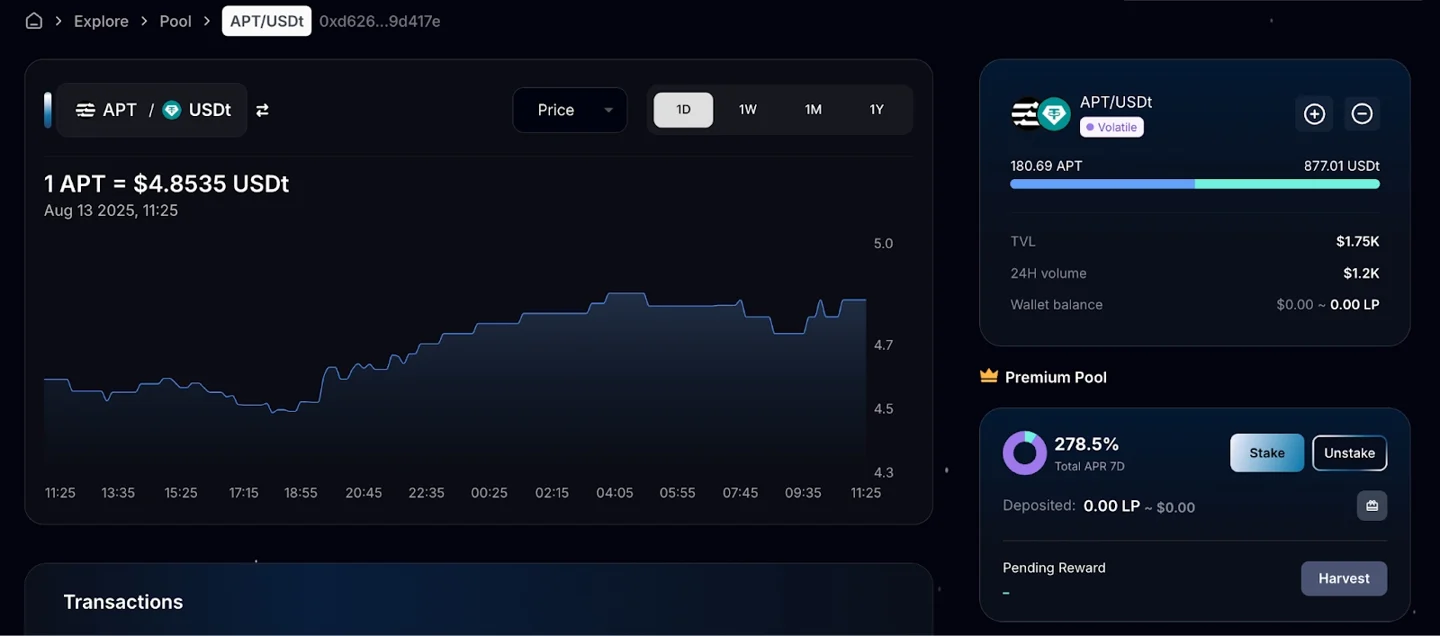
 Earnium Docs
Add/Remove Liquidity
1️⃣ Go to the Liquidity page
Visit https://app.earnium.io/liquidity to view all active liquidity positions and related metrics (Liquidity, 24h Volume, APR 24h, Fees 24H). Select the pool you want to add/remove liquidity
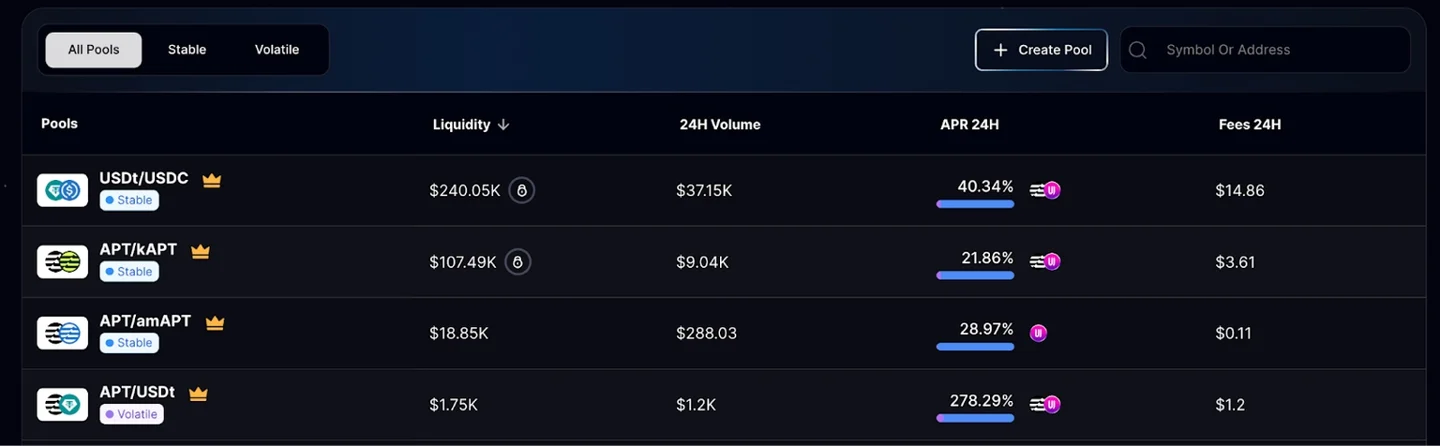
2️⃣ Select the Liquidity pool